
Fido Manager
Sign in to Windows with your fingerprint instead of your password. Your account details are stored encrypted on your own YubiKey and are only released after your fingerprint.
Windows 10 and 11 · 64-bit · version 1.1.0 · 51,5 MB · Community free for personal use
Signing in without typing a password
Fido Manager adds a tile to the Windows sign-in screen. One touch of the fingerprint sensor is enough, and the password option stays available alongside it.
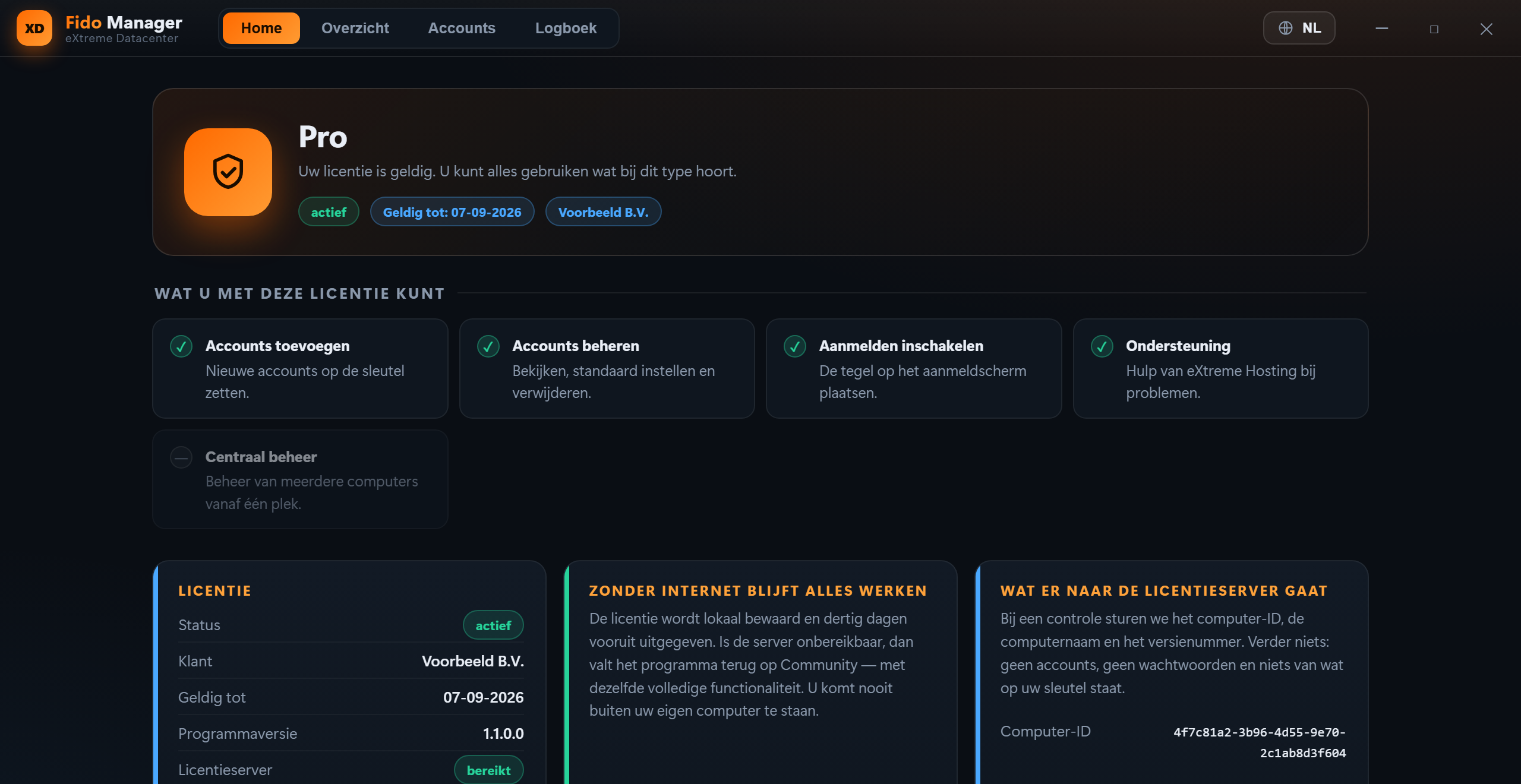
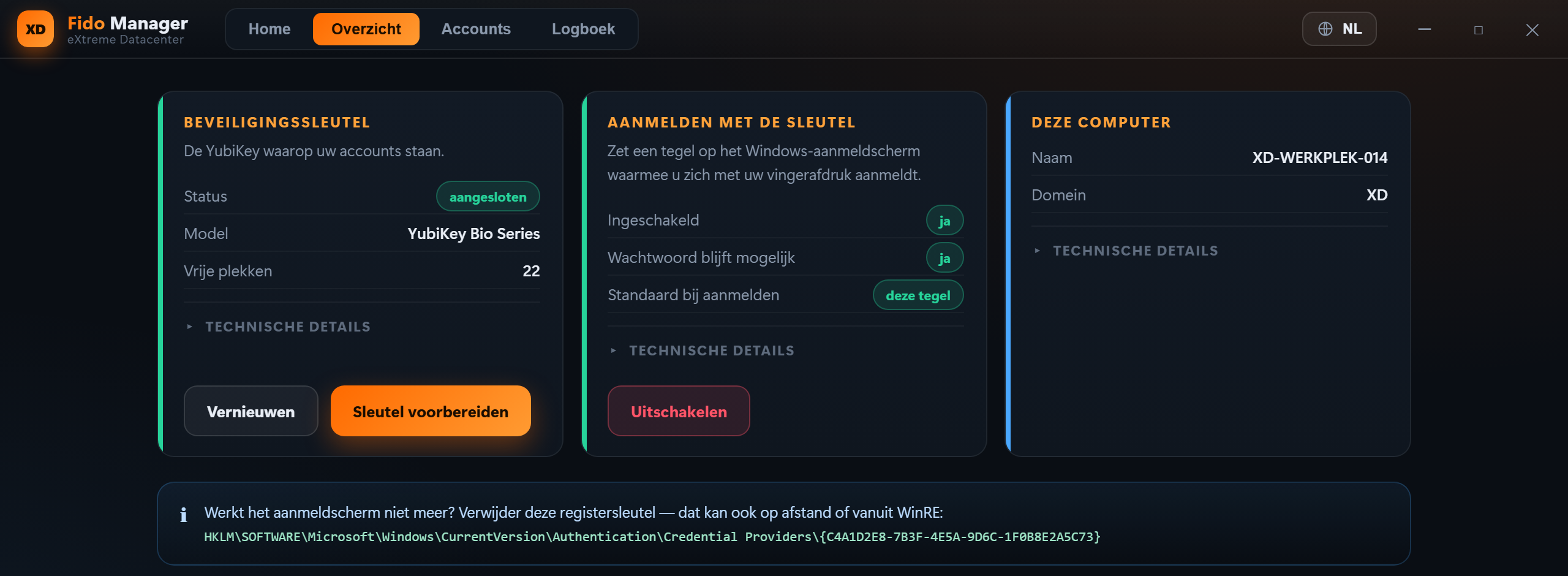
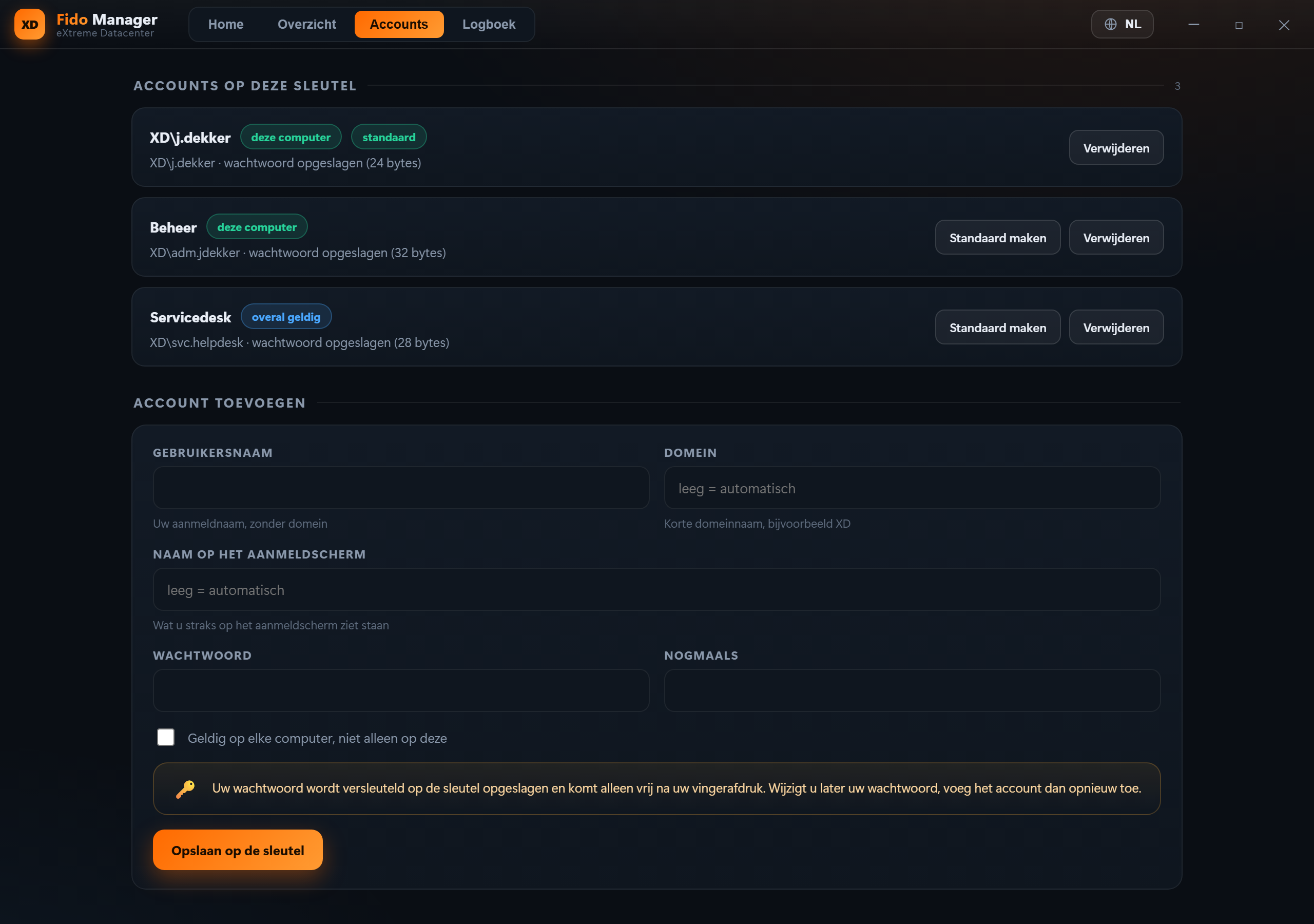
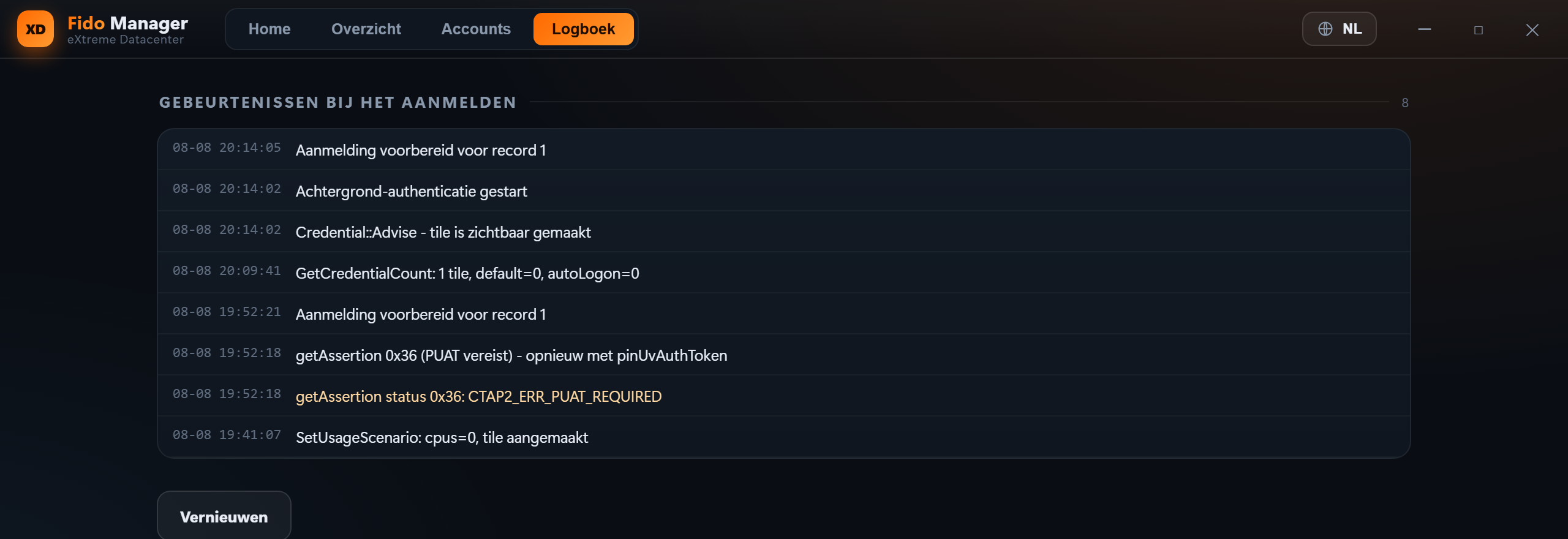
Sign in with your fingerprint
A touch of the sensor on your YubiKey replaces typing your password at the sign-in screen.
Your password keeps working
The Windows password option is left untouched. If the key does not work, you sign in exactly as you did before.
Your password lives on the key
Stored encrypted in the protected storage on the key. It is only released after your fingerprint and never leaves the key unprotected.
PIN as a fallback
If your key asks for its own PIN you can enter it at the sign-in screen. The screen says explicitly that this is not your Windows PIN.
Dutch, English, German and French
Both the management program and the sign-in screen follow the chosen language, including before anyone has signed in.
Works without internet
The licence is stored locally. If our server cannot be reached everything keeps working; you are never locked out of your own computer.
How does it work?
Install Fido Manager
Run the installer with administrator rights. That places the program and the sign-in tile.
Prepare your key
Plug in your YubiKey and let Fido Manager create a credential on it, once.
Add your account
Enter your user name and password. They are stored encrypted on the key.
Lock and sign in
Pick the Fido Manager tile on the sign-in screen and touch the sensor.
There is always a way back
The installer refuses to continue when the Windows password option is missing, because without a fallback it would be a one-way door. Recovery instructions ship with the program: a single registry change disables the tile, and it works remotely or from the Windows recovery environment.
Download Fido Manager
For Windows 10 and 11. The installer and the program are signed by eXtreme Datacenter.
⚠Community is for personal use only
The Community edition is free, but strictly for personal, non-commercial use. Using Fido Manager inside a company, institution, foundation or any other organisation requires a Pro or Enterprise licence. That includes a work computer used at home.
Installer (MSI)
Standard Windows installer. Suitable for manual installation and for deployment through group policy or Intune.
Download installerRequirements
- ✓ Windows 10 or 11, 64-bit
- ✓ Administrator rights to install
- ✓ YubiKey with a fingerprint sensor (Bio series)
- ✓ The Windows password option must be available
Ready to make the switch?
Contact us today and discover what eXtreme Hosting can do for your organisation.